Usage changes due dates
Jobs based on running hours can come due earlier or later than a fixed calendar.
Maintenance planning
Plan repeat jobs by date or running hours. Crew do the work on board and record it. Postponements are handled, and the office sees the full job history.
Fleet data · updates when online
Crew work
On board and offline
History
Done and postponed jobs
Why the schedule matters
Each due job needs its equipment, its running-hour trigger, proof from the ship, and clear rules for postponing.
Jobs based on running hours can come due earlier or later than a fixed calendar.
A growing list of late jobs must show which are critical and on what equipment, not only a red number.
A postponed job must keep its reason, the review, the new due date and what happened next.
From plan to done
Normal jobs, and postponed or reopened ones, all stay in the same maintenance record.
Choose the equipment, instructions, how critical it is, and the interval by date or running hours.
The current schedule and running hours decide which jobs show up in the crew’s list.
Crew do the main steps without internet, add photos, and the data syncs when internet is back.
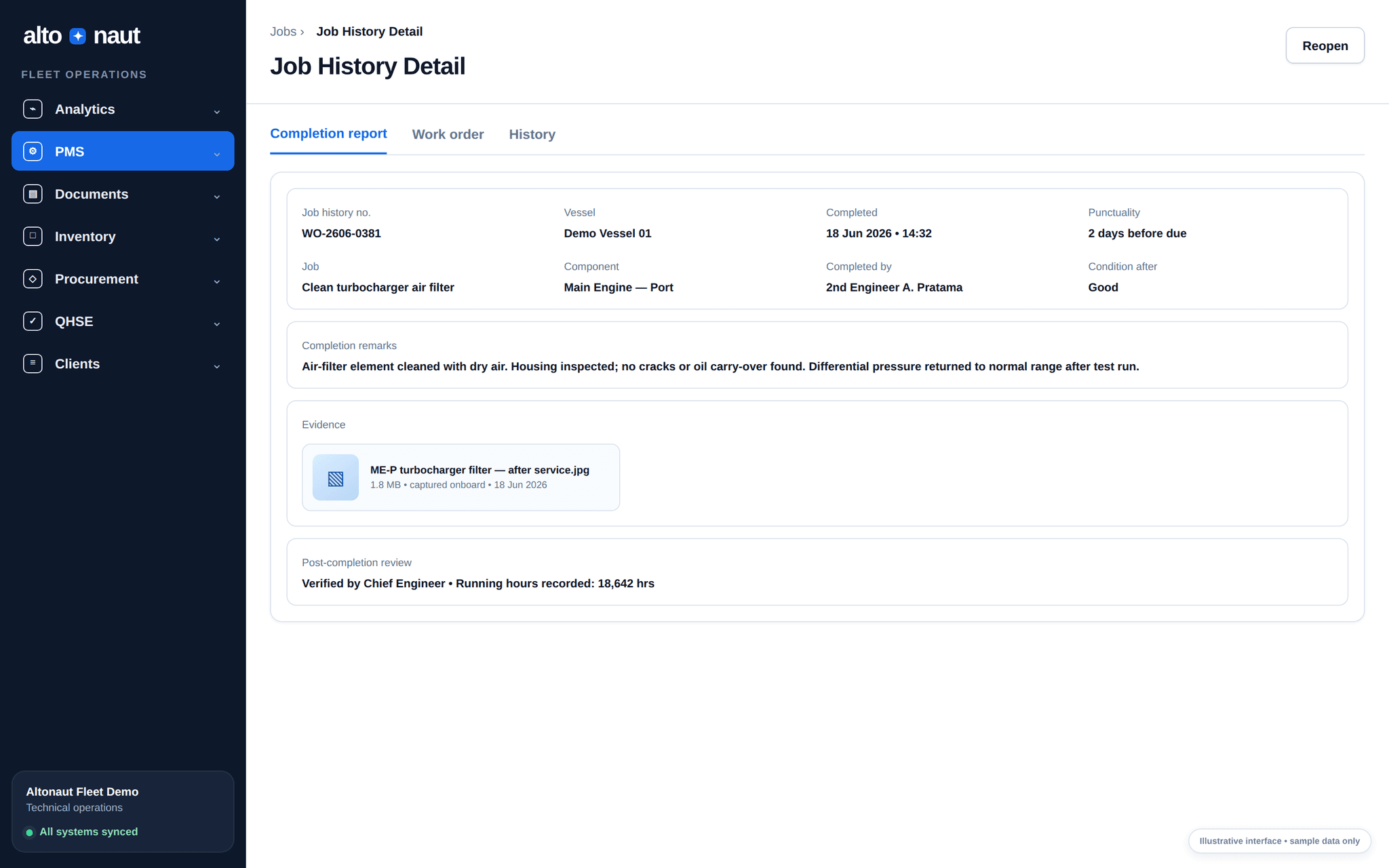
Completed, reopened and postponed jobs are saved, so the office can follow up.
Inside Altonaut
Crew enter the completion details and see the new job status. No separate report to send.
What you can do
The schedule is tied to the equipment and to the work the crew really does.
Schedule recurring work from calendar or equipment usage.
Crew use the main steps without internet. Data syncs later.
Keep the reason, the requested date, the decision and the new schedule.
Keep the result of the work, and reopen the job when follow-up is needed.
What to measure
During the trial, compare workload, how postponements are handled, and the proof kept for completed jobs.
Critical overdue rate
Critical overdue jobs per 1,000 scheduled jobs.
Planned vs corrective
How much work was done as planned, before a breakdown or urgent repair.
Completion quality
Jobs closed with the required readings, photos, remarks and review.
Start with typical equipment, check the running-hour entries, then compare late jobs and completion quality.
Book a short call