Requests get stuck
Missing specs, or nobody in charge, means the same questions again and again.
Purchasing
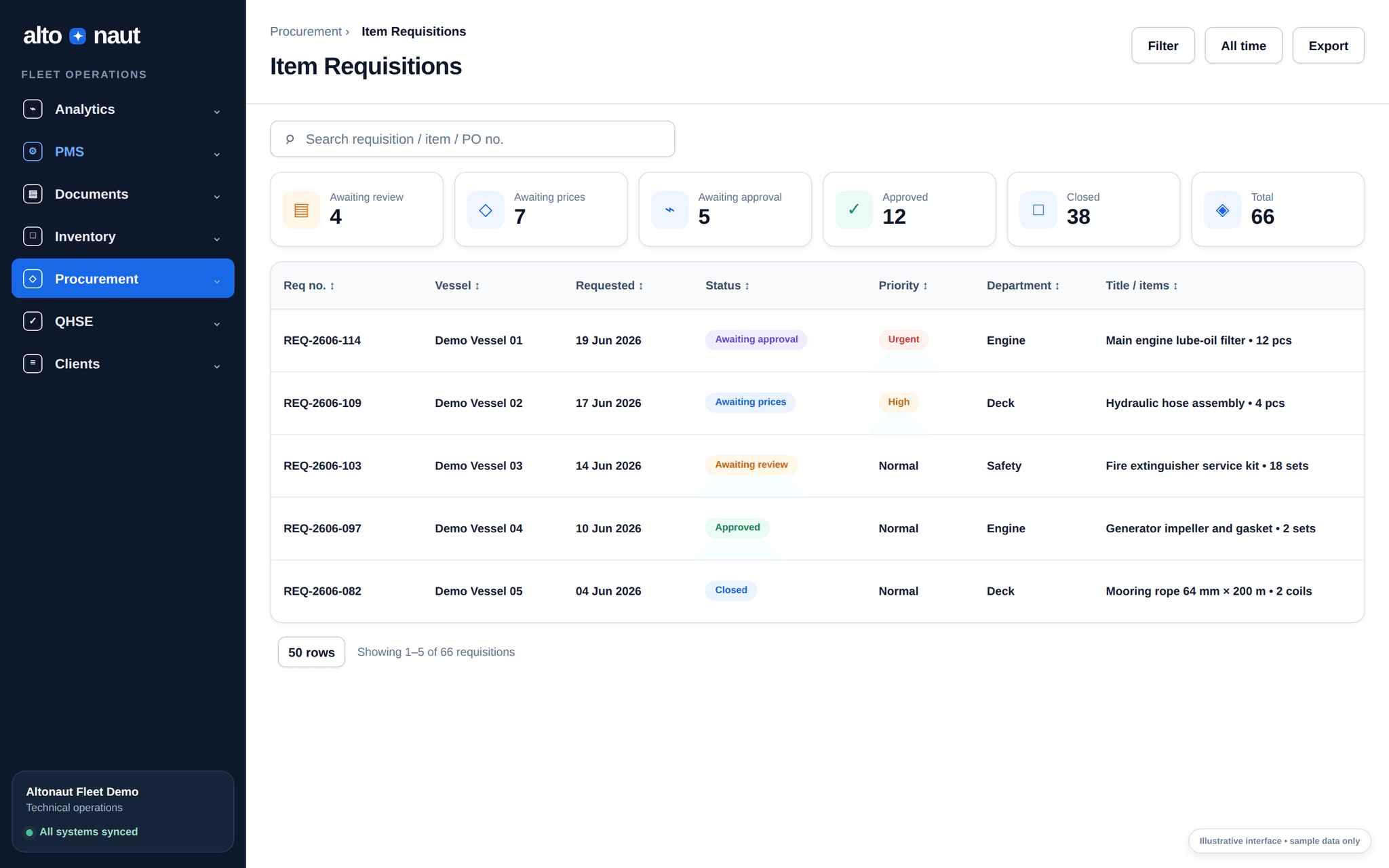
Purchase requests from the ship, technical details, prices, approvals, purchase orders, files and status history, all in one place.
Fleet data · updates when online
Approvals
Checked before ordering
Records
PO and attachment history
Why tracking purchases matters
Teams waste time when technical need, quote, approval, order, and receipt sit in separate messages or files.
Missing specs, or nobody in charge, means the same questions again and again.
The lowest quote may not match the item, the service work, the ship or the timing you need.
Ship and office teams chase updates when the order history is in pieces.
From request to order
Keep the reason for each request and every step of the decision.
Ask for an item or service with the ship, department, quantity, work needed and files.
Clear up technical details, get vendor prices, and keep the comparison with the request.
Send for approval, create the purchase order, and record each status change.
Ship and office both see delivery, receipt, files and history.
Inside Altonaut
From the office, search and filter requests by ship, urgency, who asked, date and stage.
What you can do
Buy both parts and services, and always see where the request came from.
Record parts, quantities, service work needed, ship and department.
Keep the quotes and the chosen offer with the request.
Record the review, the decision, the purchase order and the current status.
Keep files and status changes to check later.
What to measure
See where and why requests wait, not just the total time.
Request-to-order time
Median days from complete request to approved purchase order.
Emergency orders
Urgent purchases and freight cost per ship, per month.
Requests sent back
Requests returned because technical details, quantity or the work needed were incomplete.
Try it with real requests for parts and services. Then compare how long orders take, emergency spending, and requests sent back.
Book a short call