Missing parts delay jobs
A planned job turns into a delay when the part is not there.
Spare parts & stock
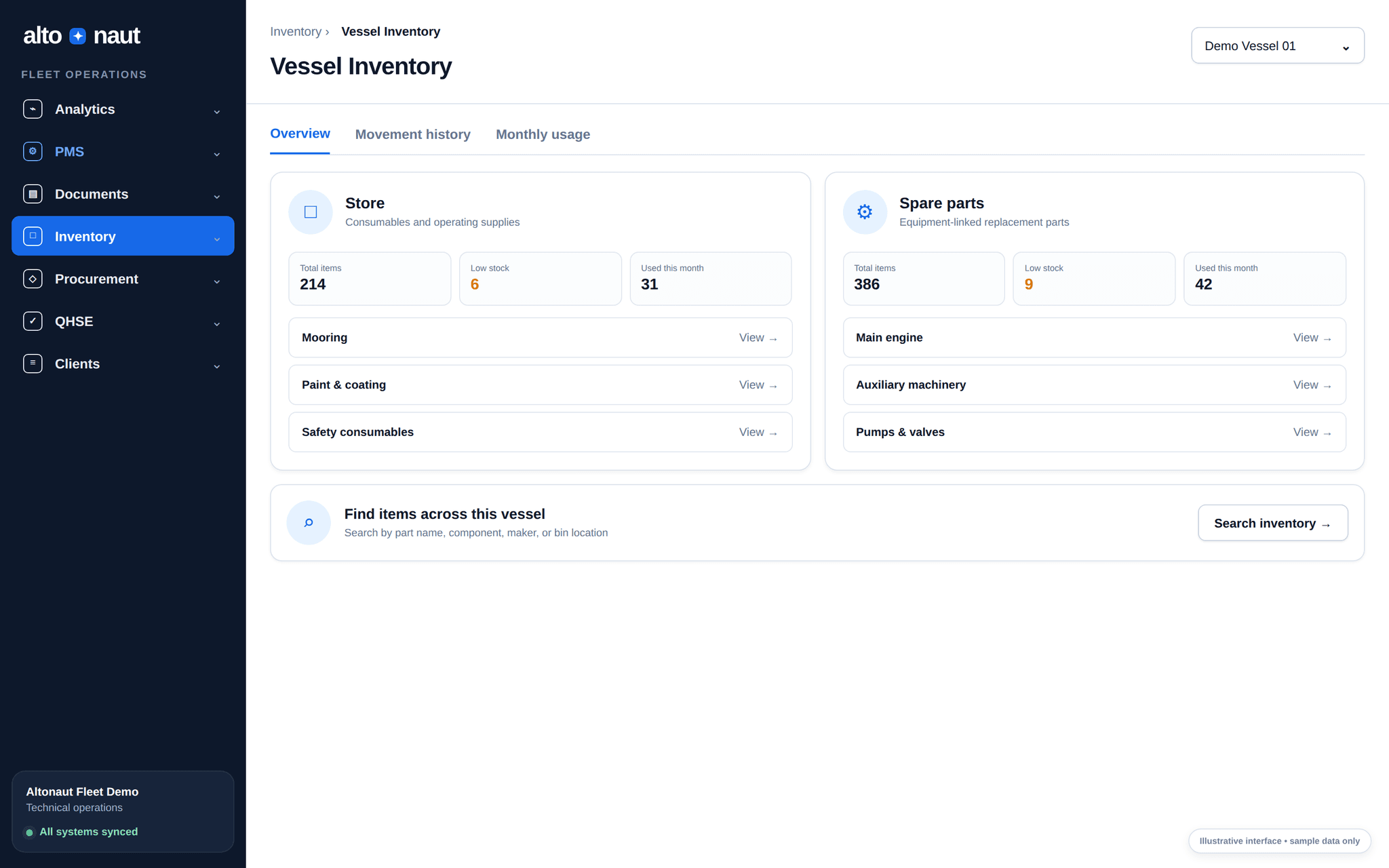
Track stock and spare parts on each ship: what came in, what was used and what is running low. You buy based on what is really on board.
Fleet data · updates when online
Why stock control matters
If you cannot trust the numbers and usage history, teams buy in a rush, buy parts they already have, or find a shortage in the middle of a job.
A planned job turns into a delay when the part is not there.
When one part has different names, or stores are kept apart, stock you already have is hard to find.
If stock changes are not linked to a job or ship, planning gets harder.
How stock is tracked
Every change is recorded, from the ship’s store to the next order.
Sort items by ship, department, store, unit and minimum level.
Record parts used, received, transferred and corrected, with monthly history.
Link what was used, and what is short, to maintenance or daily work on the ship.
See current stock and what you expect to need when you make a purchase request.
Inside Altonaut
From the office, search and filter by quantity, minimum level, ship, department and item status.
What you can do
Ship and office teams both see current quantities and the history of every movement.
See stores and spare parts where they actually are.
Track parts received, used, transferred and corrected, with monthly records.
See items that drop below the minimum level you set.
Use current quantity and need when deciding what to reorder.
What to measure
The goal is the right stock, not more stock.
Times parts ran out
Needed parts were not there when a planned or repair job needed them.
Count difference
The gap between the quantity in the system and a checked physical count.
Emergency orders
Urgent orders and freight cost because the stock was not there.
Clean up item names, check quantities, link usage to jobs, then count how often parts run out and how often you buy in a rush.
Book a short call