Problems show up late
A weekly summary can hide critical jobs that are due until the next review.
Fleet reports
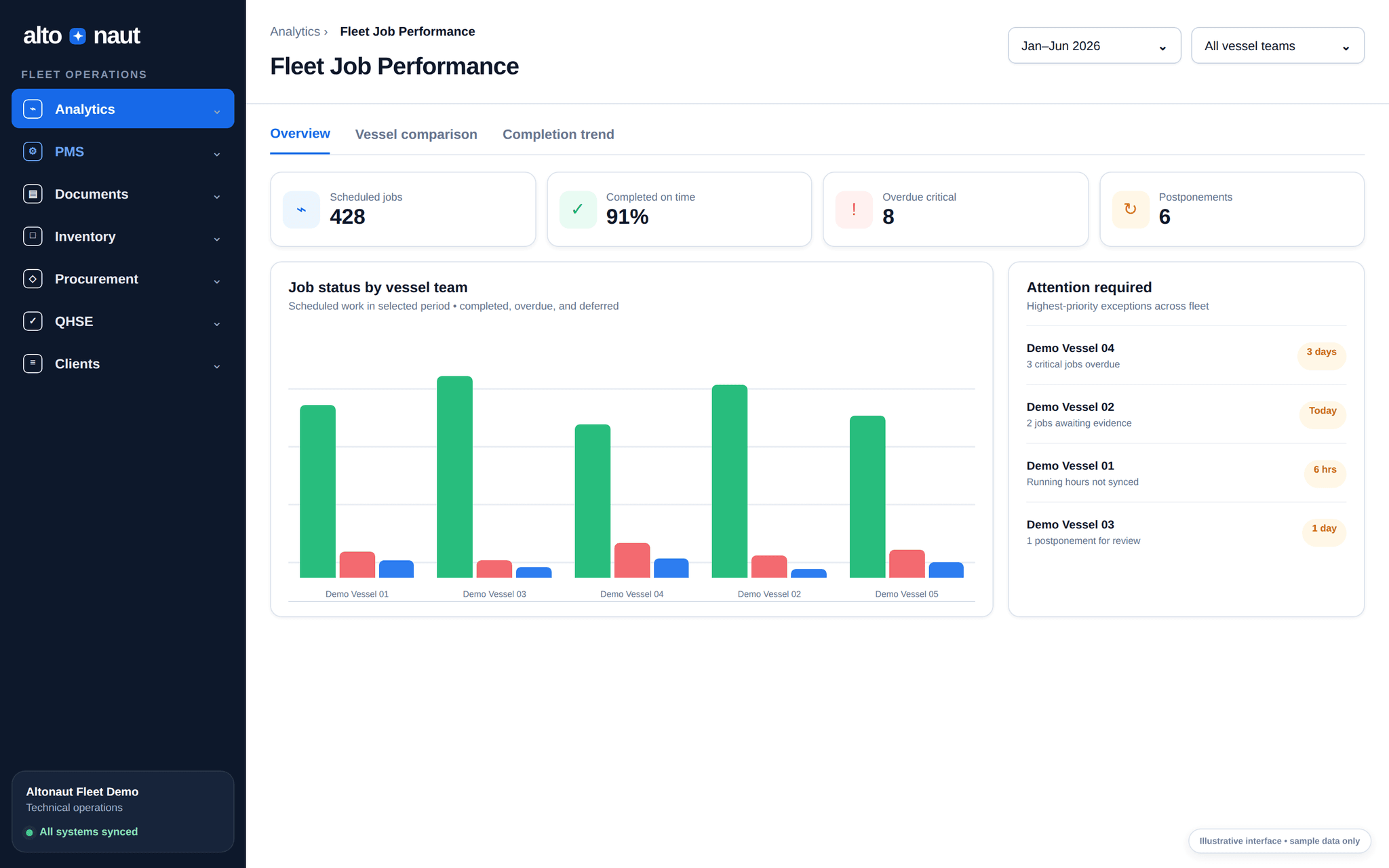
Records from every ship come together in one fleet report: due jobs, late jobs, defects and detail for each ship. No need to build reports by hand.
Fleet data · updates when online
Why knowing early matters
The office loses time when each ship reports in its own way and important problems get lost in spreadsheets.
A weekly summary can hide critical jobs that are due until the next review.
A total does not show which ship, which equipment, how critical, or why the job was moved.
If each ship uses its own meaning for a status, you cannot compare ships or see real progress.
From record to decision
Every number in the summary leads back to work the crew really did on board.
Jobs, defects and status changes reach the office when the ship has internet.
Scheduled, completed, overdue and postponed jobs are shown apart, so you don’t read every row.
The fleet, ship and equipment views all use the same status meanings.
Open the job or defect itself before you give out work or accept an explanation.
Inside Altonaut
The office can compare job status, change the period or ship group, then open the work on each ship.
What you can check
The numbers come straight from the ship records, not from slides made by hand.
See scheduled, completed, overdue and postponed jobs for the period you choose.
Go from fleet totals down to each ship and each piece of equipment.
Every postponement and status change is kept, to check later.
Pick out the records you need for technical meetings, investigations and follow-up.
What to measure
Agree what each status means before the trial. Then compare per ship, per operating day.
Critical overdue work
Track overdue critical jobs per 1,000 scheduled jobs.
Postponed jobs
How long postponed jobs stay open, and why.
Jobs and defects closed
Checked job completions and closed defects over the trial.
Agree what each status means, then see which decisions get faster or better.
Book a short call